RGB Flash Guide
Please note!
The following guide is for the X570 & B550 Taichi. The procedure is similar to other Motherboards
We’re not responsible for any damage that may happen to your board! Flashing a new BIOS does always have its risks!
Question:
I cannot control the RGB lighting via RAZER Synapse on my X570/B550 Taichi Razer Edition motherboard. How do I solve this problem? (01/01/2021)
Answer:
Please flash the RGB controller firmware by following the steps below.
- Download the firmware file from ASRock website and extract the compressed file.
- Execute “UpdateFW.cmd” to update the RGB controller firmware.

- After step 2 please wait for 10 seconds or so and the firmware flash will finish.
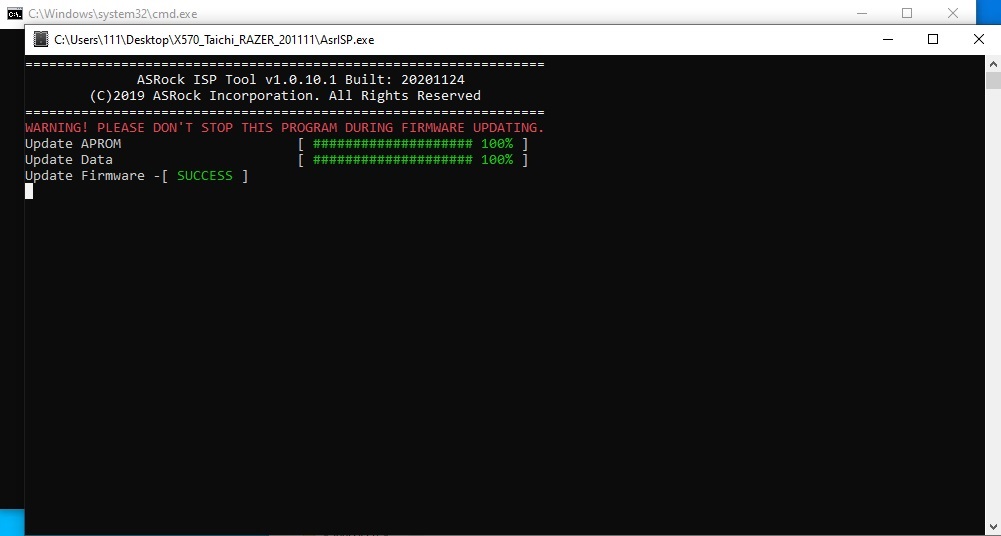
- After the message “update firmware SUCCESS” is shown please restart your system.